



Description
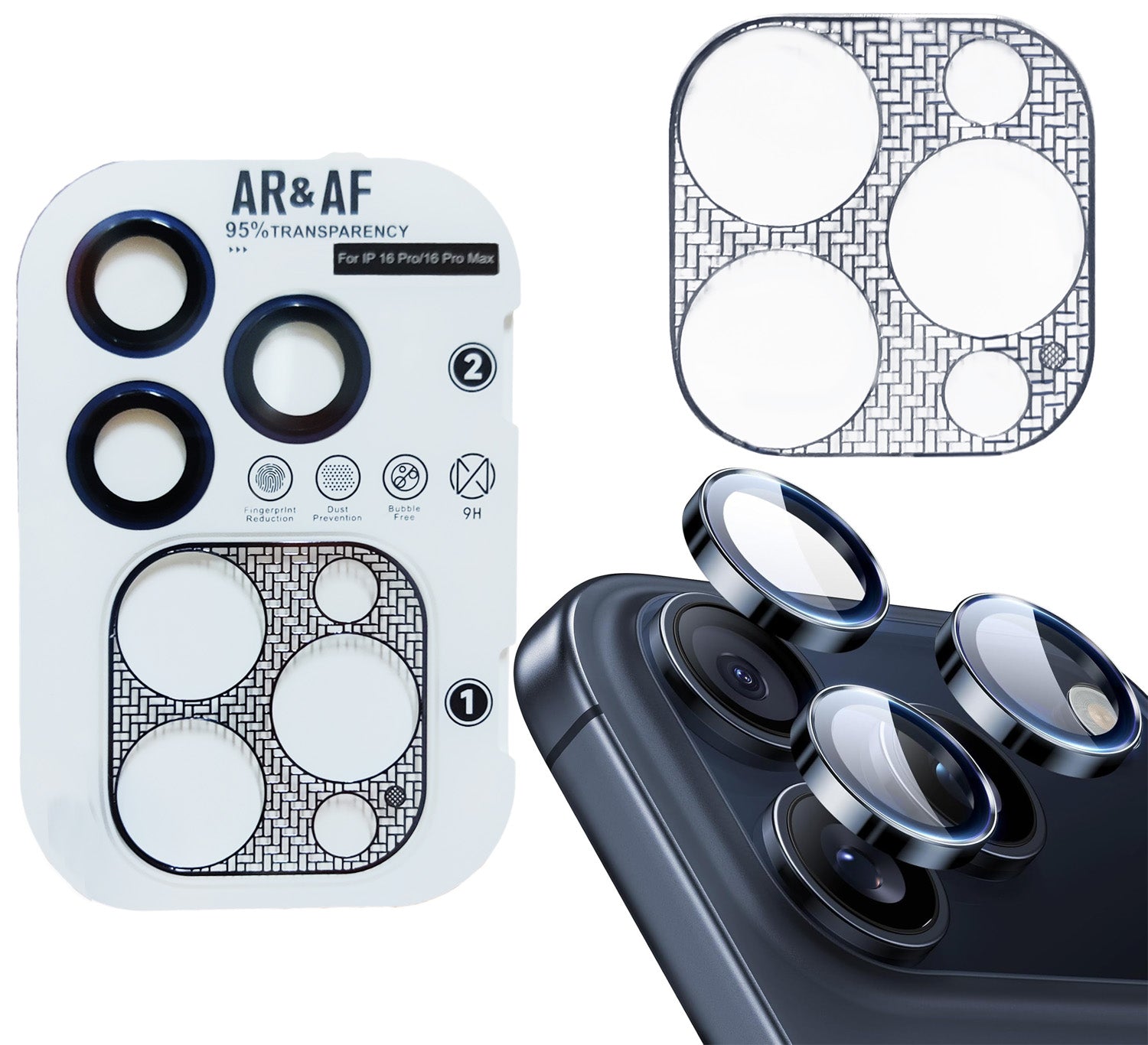
Designed to provide complete protection for your iPhone camera module while preserving its original appearance.
The ultra-thin camera island film offers full coverage without adding noticeable thickness, while the Eagle Eye AR+AF tempered glass lens protectors deliver exceptional optical clarity and scratch resistance.
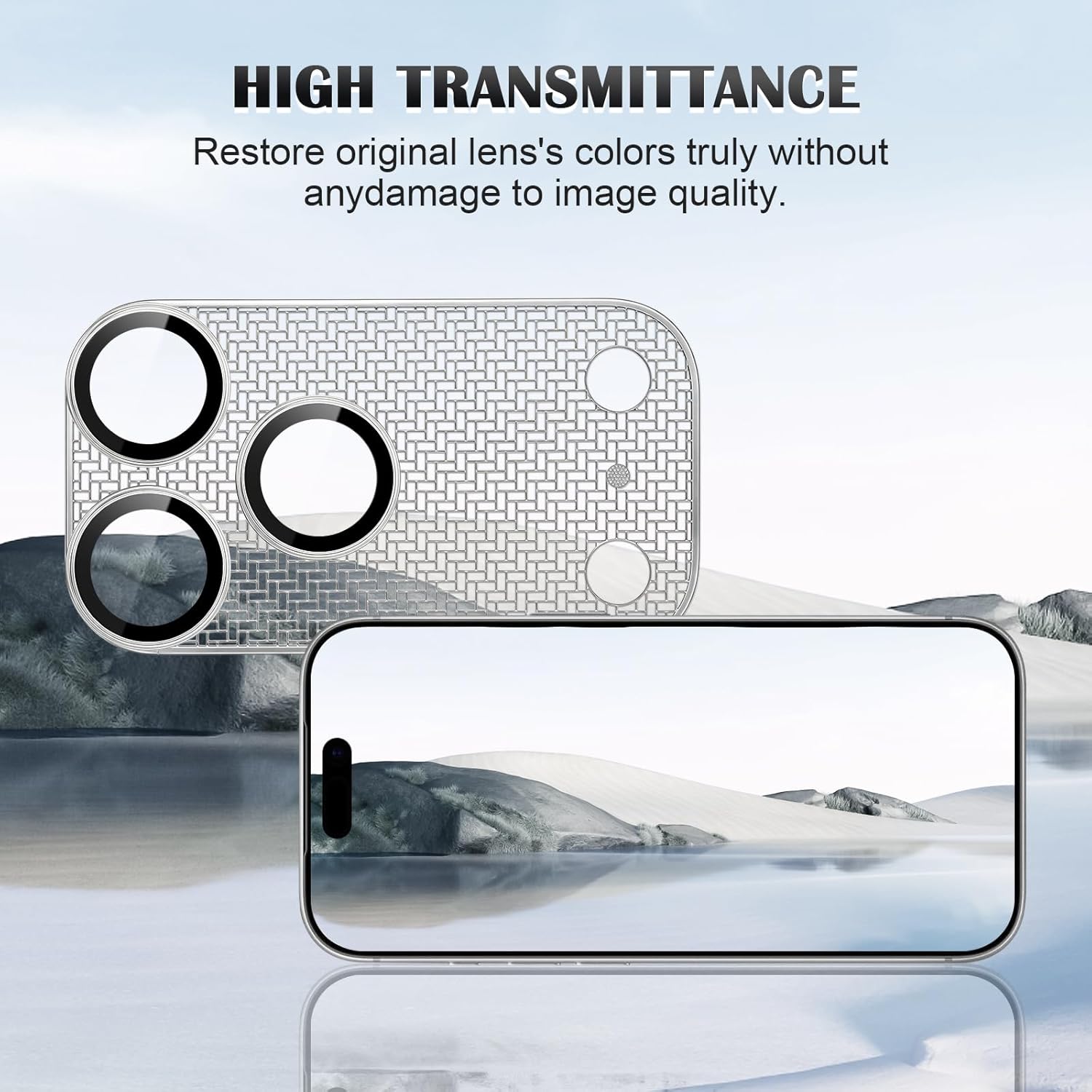
Advanced AR (Anti-Reflective) and AF (Anti-Fingerprint / Anti-Fog) coatings help reduce glare, improve light transmission and maintain the original image quality.
# Compatible with
iPhone 16 Pro
iPhone 16 Pro Max
# Default Colour: Titanium Blue
Available Colours:
Black
Silver
Titanium Blue
# Features
Ultra-thin camera island film design
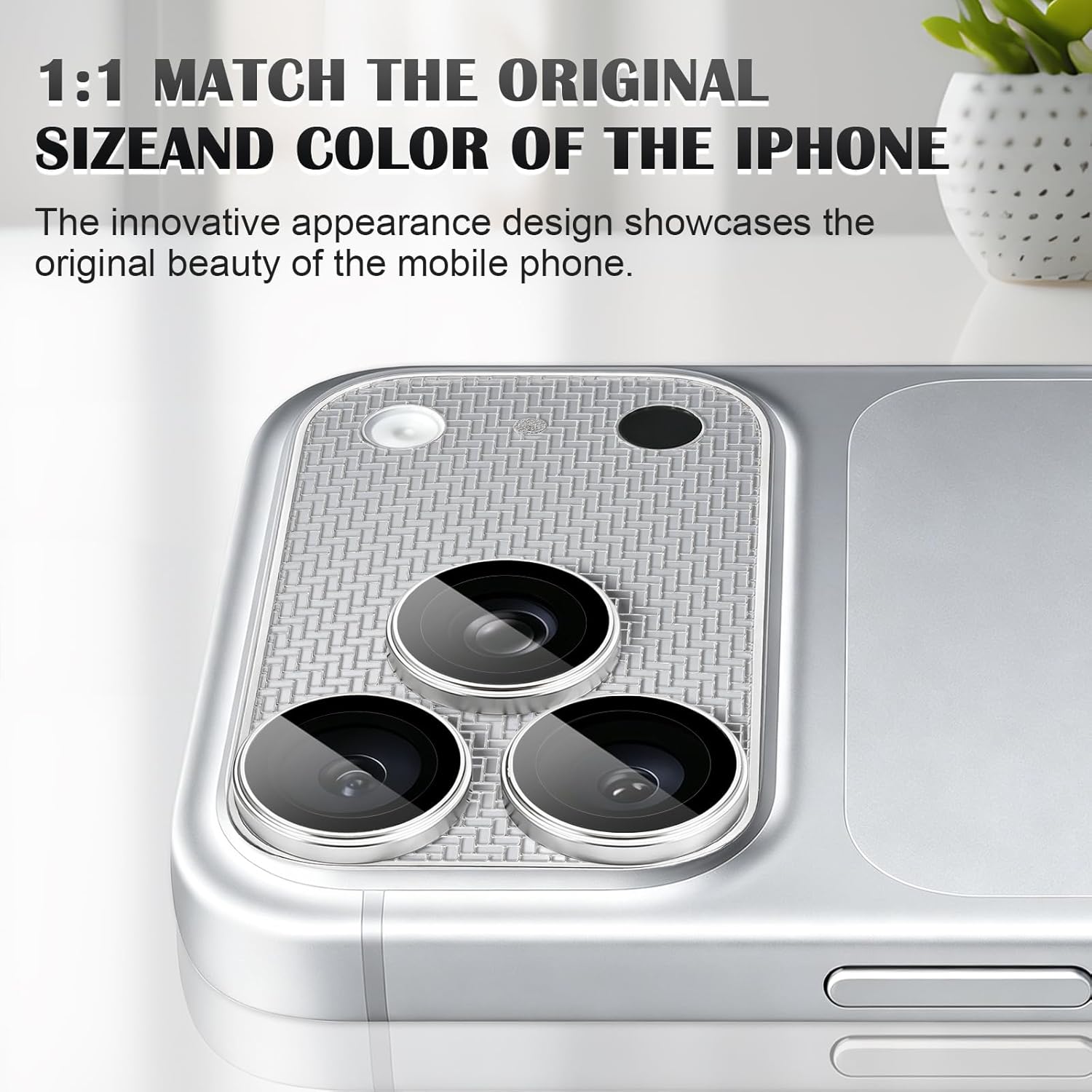
Colour-matched finish complements your iPhone
Premium carbon fibre texture
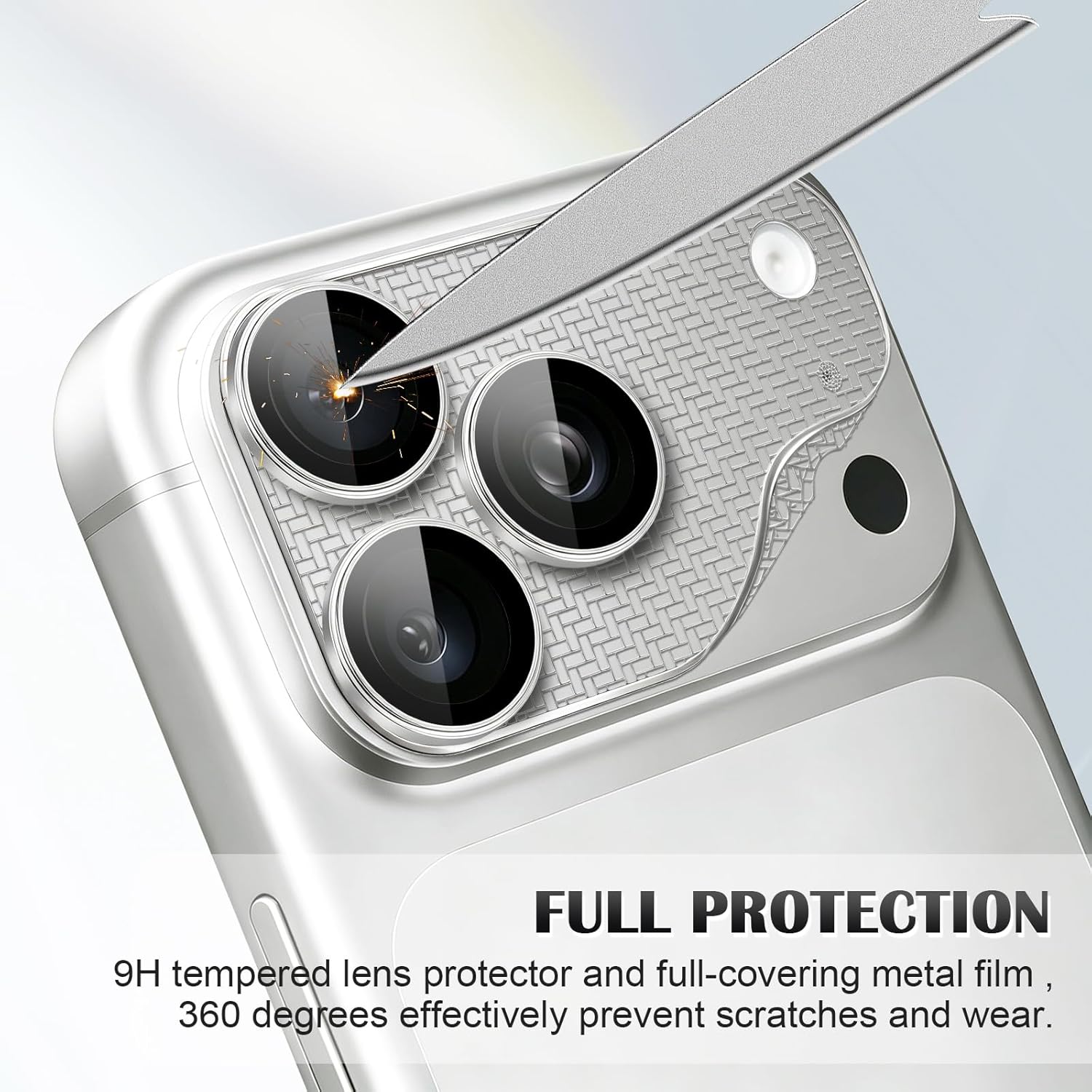
Full camera island protection against scratches and wear
Maintains the sleek profile of the camera module
Premium Eagle Eye AR+AF optical glass
95%+ light transmission
Anti-reflective coating
Anti-fingerprint coating
Anti-fog coating
9H tempered glass lens protectors
Precision 1:1 fit
Strong adhesive
Compatible with most cases
Easy installation using the included alignment frame
# Item Includes
1 × Eagle Eye AR+AF Camera Lens Protector + Ultra-Thin Camera Island Film
1 x Dry Wipe
1 x Wet (Alcohol) Wipe
# Installation Guide
Clean the camera module thoroughly.
Peel off the backing from the Ultra-Thin Camera Island Film.
Using the installation frame, align and apply the island film first.
Peel off the backing from the Eagle Eye AR+AF Lens Protector.
Align the lens protector within the installation frame and press firmly for approximately 10 seconds.
Carefully remove the installation frame.
# Notes
Third party product, not made by Apple.
Mobile phone is not included.
Remove any existing lens protector before installation.
Compatible with most phone cases, although clearance may vary depending on case design.
Ensure the camera module is clean and dry before installation.
The ultra-thin camera island film offers full coverage without adding noticeable thickness, while the Eagle Eye AR+AF tempered glass lens protectors deliver exceptional optical clarity and scratch resistance.
Advanced AR (Anti-Reflective) and AF (Anti-Fingerprint / Anti-Fog) coatings help reduce glare, improve light transmission and maintain the original image quality.
# Compatible with
iPhone 16 Pro
iPhone 16 Pro Max
# Default Colour: Titanium Blue
Available Colours:
Black
Silver
Titanium Blue
# Features
Ultra-thin camera island film design
Colour-matched finish complements your iPhone
Premium carbon fibre texture
Full camera island protection against scratches and wear
Maintains the sleek profile of the camera module
Premium Eagle Eye AR+AF optical glass
95%+ light transmission
Anti-reflective coating
Anti-fingerprint coating
Anti-fog coating
9H tempered glass lens protectors
Precision 1:1 fit
Strong adhesive
Compatible with most cases
Easy installation using the included alignment frame
# Item Includes
1 × Eagle Eye AR+AF Camera Lens Protector + Ultra-Thin Camera Island Film
1 x Dry Wipe
1 x Wet (Alcohol) Wipe
# Installation Guide
Clean the camera module thoroughly.
Peel off the backing from the Ultra-Thin Camera Island Film.
Using the installation frame, align and apply the island film first.
Peel off the backing from the Eagle Eye AR+AF Lens Protector.
Align the lens protector within the installation frame and press firmly for approximately 10 seconds.
Carefully remove the installation frame.
# Notes
Third party product, not made by Apple.
Mobile phone is not included.
Remove any existing lens protector before installation.
Compatible with most phone cases, although clearance may vary depending on case design.
Ensure the camera module is clean and dry before installation.